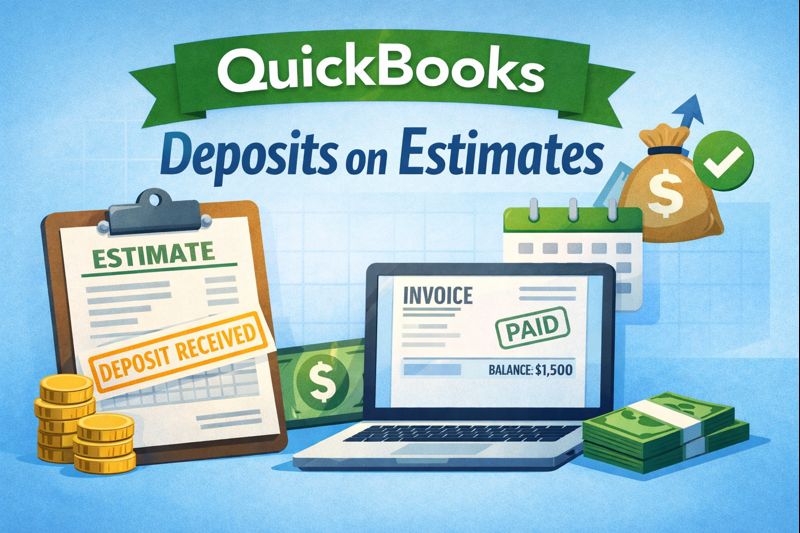
QuickBooks Adds Deposits on Estimates
If you need upfront payments to start work, QuickBooks Online just made life easier. With the new Deposits on Estimates feature, you can now request a deposit directly from an estimate—and track it properly in your books.
This update helps service-based businesses secure commitments without breaking their accounting process.
💡 Key Benefits at a Glance:
- Request deposits straight from estimates
- Track payments as liabilities until work begins
- No more converting estimates to invoices early
- Cleaner books and better cash flow visibility
Why It Matters
Before this update, many users had to send fake invoices or use clunky workarounds just to take a deposit. That approach wasn’t ideal—it messed with cash flow reporting and created bookkeeping headaches.
Now, when a customer pays a deposit:
- It’s recorded correctly as a liability
- It’s automatically applied once the estimate becomes an invoice
- It helps you stay compliant and accurate in your accounting
Who Should Use This?
If you run a business that starts work only after a customer pays a deposit—like:
- Contractors
- Custom builders
- Event planners
- Caterers
- Freelancers or developers
…then this feature can save you time, reduce errors, and protect your business.
How It Works
- Create an estimate like you normally would.
- Add a deposit amount at the bottom of the form.
- Send the estimate — customers can pay online immediately.
- QuickBooks tracks the deposit until the job starts.
You’ll be notified when the deposit is viewed or paid, and your accounting stays clean.
Need Help Getting Started?
Not sure if you have access or how to use it effectively? We help all kinds of businesses set up QuickBooks in ways that actually make life easier. Let’s make sure your estimate and payment workflows are working for you.
👉 Contact Peak Advisers for expert QuickBooks help.
Can QuickBooks Online accept depoists on estimates?
Yes. QuickBooks Online allows you to receive deposits on estimates so customers can pay a portion of the total upfront.
Do deposits on estimates convert automatically to invoices?
When an estimate with a deposit is accepted and converted to a sales form, the deposit amount is applied to the resulting invoice.
How does taking a deposit affect cash flow?
Taking a deposit improves cash flow by securing funds before the full job is complete, reducing risk and improving working capital.
Can I track deposit amounts separately in QuickBooks Online?
Yes. QuickBooks Online tracks deposits as payments applied to future invoices, and they are reflected in your sales and accounts receivable reports.
Are there best practices for using deposits on estimates?
Best practices include clearly communicating deposit terms to customers and applying deposits consistently when converting estimates to invoices.